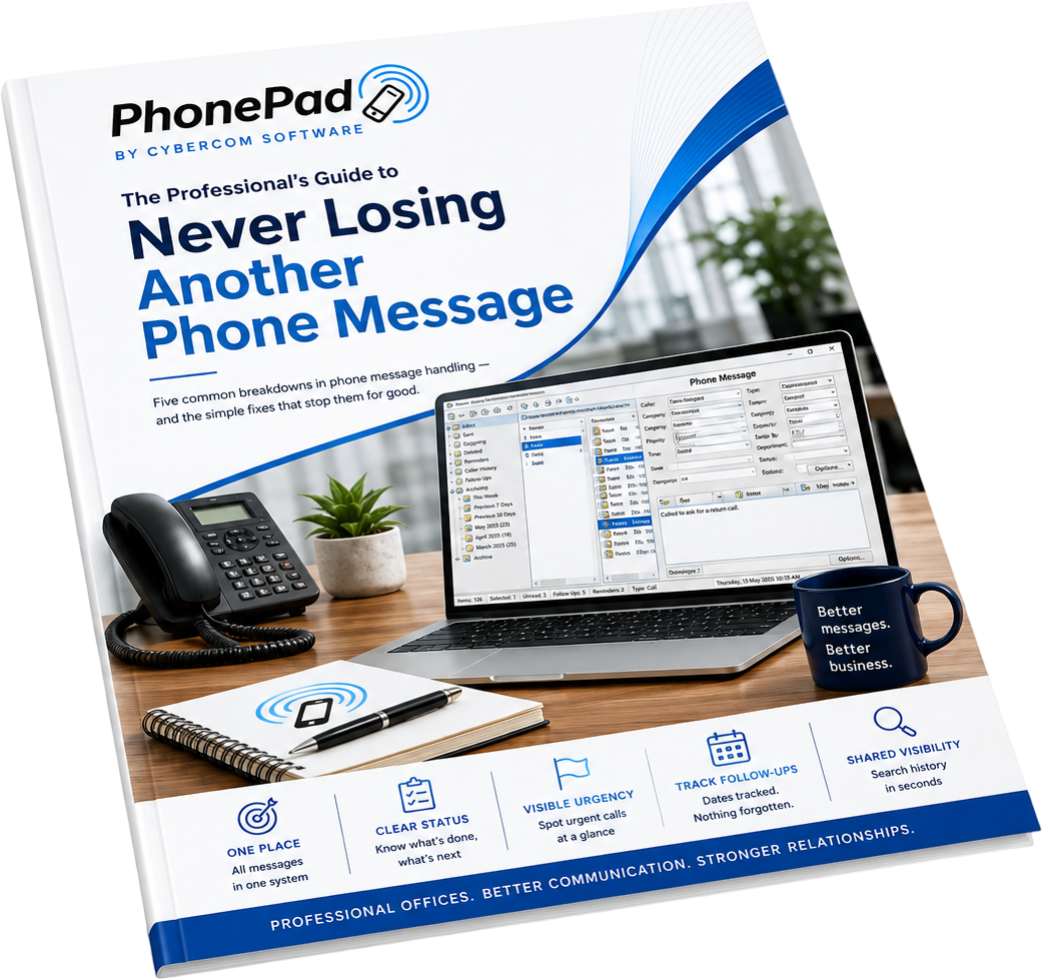
PhonePad works for any office that takes phone messages — whether you're a two-person operation or a hundred-seat team. If calls come in and people need to know about them, PhonePad has you covered.
 Messaging
Every office takes phone messages. PhonePad replaces the paper slip, the sticky note, and the shouted-across-the-office "someone called for you" — with a fast, structured system that actually works

Structured message forms
Guided fields ensure reception staff capture caller name, phone number, company, and message details every single time. No blank fields, no missing callbacks, no "I forgot to write that down."

Route to anyone in the office
Send messages to any staff member — manager, director, sales rep, or support staff. Every person has their own inbox. Messages go exactly where they're supposed to, instantly.

Instant popup notifications
Staff are alerted the moment a message arrives — via popup, notification balloon, or flashing taskbar icon. No more paper slips sitting unread on a desk, or messages quietly buried in an email chain.

Message read receipts
Know the moment a colleague has read their message. The Read Receipt checkbox confirms delivery and acknowledgement — no more "did you get my message?" conversations across the office.

Forward & reply
Pass messages along to colleagues with additional notes, or reply to reception with instructions — all within PhonePad. Works just like email for messages, but purpose-built for phone calls.

Open multiple messages
Multiple message windows can be open simultaneously — making it easy to log several calls at once, compare messages side by side, or handle a busy reception desk without losing your place.
 Who's it for?
PhonePad has been used in hundreds of different office types over 30 years. Wherever there's a reception desk, a phone, and people who need messages — it fits. Here's a snapshot of where it thrives.
 Tracking & follow-up
Taking the message is only half the job. PhonePad makes sure every message gets followed up, every outcome gets recorded, and nothing quietly falls through the cracks while everyone's busy.

Complete call history
Every message from every caller is stored permanently. Look up any contact and see the full history of their calls — when they called, who took the message, and what was done about it.

Reminders
Set a reminder on any message and PhonePad alerts you when it's time to follow up. Promised a callback at 3pm? You won't forget — even after three meetings and a lunch run in between.

Reports
Built-in reports give managers visibility over call volumes, response times, and outstanding messages. Spot who's buried, identify repeat callers, and keep tabs on how quickly the team is responding.

Staff availability (WhereRU)
The built-in In-Out Board shows who's in, who's out, and who's back at 2pm — so reception always sends messages to someone who can actually act on them, rather than an empty desk.

Fast searching
Search across all messages by name, company, date, or keyword. Find any message in seconds — no scrolling through weeks of records trying to remember when that supplier called about the invoice.

Inbox filtering
Filter by staff member, status, urgency, or date range. Whether you're covering for a colleague or checking what's outstanding before you leave for the day, the right messages surface immediately.
Email, sticky notes, shared spreadsheets, and shouting across the office all have the same problem — they weren't built for phone messages. PhonePad was.
 Security & trust
PhonePad keeps your data where it belongs — on your own network. With full access controls, encryption, and a permanent audit trail, it's a system you can trust for any kind of business.

What customers say
Used by thousands of users in offices worldwide for over 30 years.
get started today
Try PhonePad free for 30 days and see how much smoother your office runs when every message gets to the right person, every time. No credit card, no commitment.
30-day free trial • Windows desktop • No credit card required
Australian support
Never Lose Another
Phone Message
5 common call-logging mistakes professional
offices make - and the simple fixes for each one.
No spam - just useful stuff about call handling,
plus the occasional mention of PhonePad. Unsubscribe any time